
This file introduces the quick start guide of BiPAP AVAPS BiPAP S/T, including device setup, start therapy, view information, comfort settings, undocking, humidification and humidifier settings
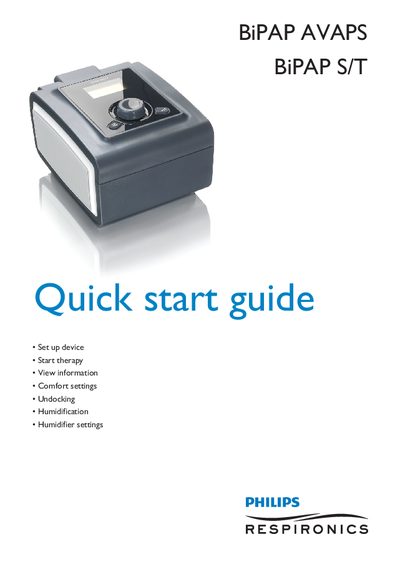
This guide walks you through the initial setup of the Philips BiPAP AVAPS and BiPAP S/T, including accessing provider settings, selecting therapy modes, and starting treatment. It also explains how to adjust comfort features such as Flex, Ramp, and Rise Time, and how to view key respiratory parameters on the monitor.\n\nAdditional sections cover undocking the unit, filling and maintaining the humidifier chamber, adjusting humidifier levels, and provide contact information for Philips Healthcare and Respironics support.
| IPAP (default) | 12.0 cmH2O |
|---|---|
| IPAP max range | 200-1500 cmH2O |
| Ramp start time range | 0-45 min |
| Supported modes | CPAP, S, S/T, T, PC |
| Available languages | English, Italian, Spanish, German, French, icons |
From the main menu highlight Setup, then press and hold the ramp button and control wheel together for 4‑5 seconds until a beep, which opens the Provider Setup screen.
Turn off the device, lift the humidifier door, remove the chamber, fill the bottom chamber with distilled water up to the maximum fill line, then reassemble by aligning the hinges and closing the lid until it clicks.
Turn the control wheel to select a number between 0 and 5 and press; the humidifier icon and setting light up on the display.