
This document introduces the safety matters that need to be paid attention to when using this product, including not exposing this product to rain or moisture, not covering the ventilation of the product with newspapers, tablecloths, curtains, etc., and not placing lighted candles on the product. Additionally, this document also introduces not installing this product in a confined space and not exposing the battery to sunlight or fire or the like
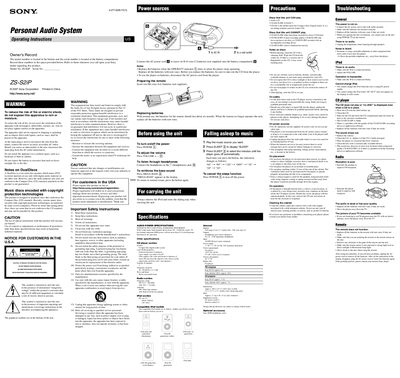
This manual explains how to set up the Sony ZS‑S2iP personal audio system, including connecting the AC power cord, inserting six R14 (size C) batteries, preparing the remote with two R6 (size AA) batteries, and docking an iPod. It also covers disc compatibility, safety warnings, and specifications such as power output and dimensions.
The guide details basic operations like opening the sliding tray, playing CDs, using the iPod dock, tuning FM/AM radio, and using the remote control. Troubleshooting tips address power issues, audio problems, radio reception, and iPod connectivity, while safety instructions warn against moisture, heat sources, and improper disassembly.
| Power Supply | 120 V AC, 60 Hz |
|---|---|
| Battery Type (unit) | Six R14 (size C) batteries (not supplied) |
| Dimensions | Approx. 360 × 141.5 × 240.5 mm (W × H × D) |
The unit can play Audio CDs and CD‑R/CD‑RW discs that are recorded in the standard audio CD format.