
This manual introduces the use of the Blu-ray Disc Remote Control
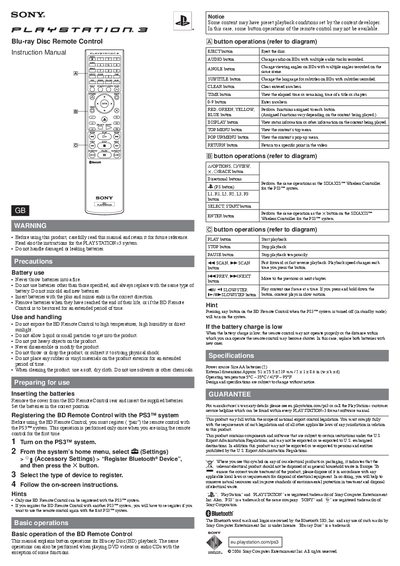
This manual explains how to safely use the Blu-ray Disc Remote Control, including battery handling, preparation, and registration with the PlayStation®3 system. It covers warnings, battery insertion, and the pairing process required before first use.
The guide details each button’s function for BD, DVD, and CD playback, describes the remote’s specifications, and includes warranty and regulatory information.
| External dimensions | Approx. 51 x 25.5 x 219 mm / 2 x 1 x 8.6 in (w x h x d) |
|---|---|
| Operating temperature | 5°C – 35°C / 41°F – 95°F |
Turn on the PS3, go to Settings → Accessory Settings → Register Bluetooth® Device, select the remote type and follow the on‑screen instructions.
The remote uses two AA batteries; insert them with correct polarity and replace both batteries with new ones when the charge is low.
Pressing the EJECT button ejects the disc from the PlayStation®3.