
This manual provides information regarding functions, performance and operating methods that are required for using the ZG.
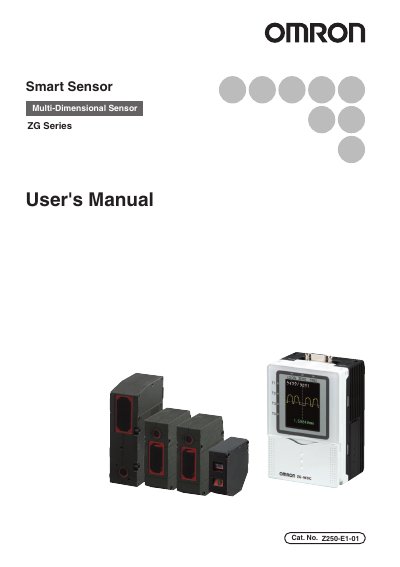
This manual describes the Omron ZG Series smart sensor, a multi‑dimensional sensing device used in industrial automation. It explains the product’s functions, performance data, and the precautions required for safe and reliable use.
Key sections cover installation environment, power supply and wiring, connection to external devices (USB and RS‑232C), system settings such as communication parameters, basic operation, function settings, maintenance, and troubleshooting. Safety warnings, laser safety, and firmware update procedures are also included.
| Power supply voltage | DC 24 V ±10 % |
|---|---|
| RS‑232C maximum baud rate | 115200 bps |
| Supported baud rates | 9600, 19200, 38400, 57600, 115200 |
| Data length options | 8 bits, 7 bits |
| Parity options | None, Odd, Even |
| Stop bit options | 1 bit, 2 bits |
| USB communication speed | Full‑speed 12 Mbps (USB 2.0 compatible) |
Turn the power on while holding the MENU key; the language selection screen appears and you can choose English.
Use a DC power supply of 24 V ±10 % as specified in the manual.