
This is a user manual for Philips SRP4004 universal remote control. It can control TV, DVD player, VCR and set-top boxes.
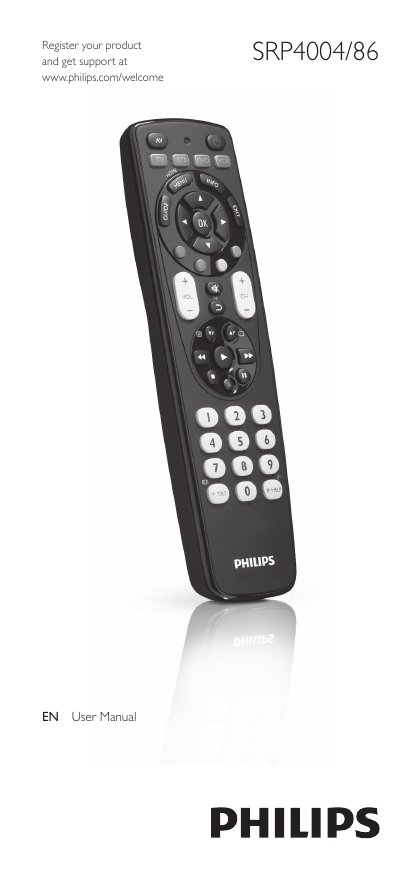
This manual explains how to set up the Philips SRP4004/86 universal remote control, insert batteries, and program it for up to four devices such as TV, DVD player, VCR, and set‑top boxes. It also describes the functions of each button, how to improve or reset button behavior, and how to use the remote in everyday operation.
The later sections cover service and support, including a FAQ with common problems, battery‑life advice, and contact information for further assistance. A comprehensive brand list for code entry is provided in the back of the manual.
| Battery type | 2 AAA batteries |
|---|---|
| Maximum devices controllable | 4 devices |
Insert two AAA batteries, observing the correct polarity (+ and –) in the battery compartment.
The remote can be programmed to control up to four different devices such as TV, DVD player, VCR, or set‑top box.
Replace the batteries, then try again; if the problem persists, repeat the setup steps or use the ‘9999’ code to search the full database.