
This is the English version of the user's manual for the 54Mbs Wireless PCI Adapter GN-WPKG
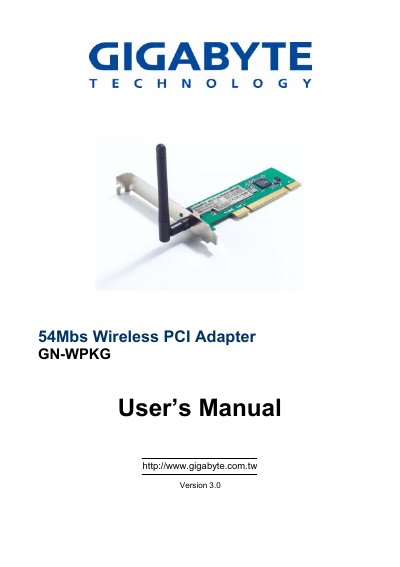
The GN-WPKG Wireless PCI Adapter from Gigabyte adds 802.11b/g connectivity to a desktop PC via a standard PCI slot. It supports data rates up to 54 Mbps, includes an external antenna, and offers security options such as 128‑bit WEP, WPA, and 802.1X. The accompanying SoftAP utility lets users switch between Access Point and Station modes and manage profiles.
The manual guides users through hardware installation, driver and utility setup for Windows 98/ME/2000/XP, and explains how to use the utility’s Profile, Link Status, Site Survey, and Statistics tabs. It also contains troubleshooting tips, detailed specifications, regulatory compliance statements, and warranty information.
| Interface | PCI |
|---|---|
| Operating Voltage | 5 V ± 5 % |
| Data Rate | Up to 54 Mbps |
| Frequency Bands | 2412 ~ 2484 MHz |
| Peak Output Power | 20 dBm |
| Antenna | External antenna |
| Dimensions | 134 mm × 81 mm × 22 mm |
| Weight | 55 g |
| Supported OS | Windows 98SE/Me/2000/XP |
Power off the PC, insert the card into an open PCI slot, attach the external antenna, then power the PC back on.
Open the SoftAP utility and right‑click the tray icon to select AP mode; the utility also shows signal strength with four green lights.
A desktop or notebook with a Pentium 300 MHz or faster processor, an available PCI slot, a CD‑ROM drive, and at least 20 MB of free hard‑disk space.