
GIGABYTE E1425 Series Notebooks User's Manual, introduces the notebook's use methods
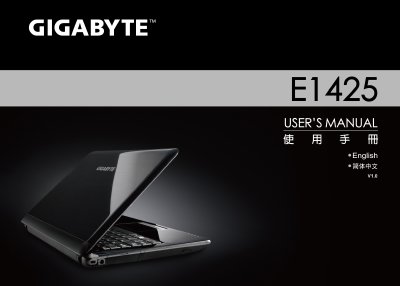
This manual covers general safety precautions, proper handling of the battery, and recommended travel practices for the Gigabyte E1425 notebook. It also includes regulatory notices, FCC and CE compliance, and detailed warranty terms.
The document presents the notebook's technical specifications, including CPU, memory, display, storage, and power details, as well as international voltage and plug type information for worldwide use.
| CPU | Intel arrandale CPU (Calpella) |
|---|---|
| Operating System | Windows® 7 Compliant |
| System Memory | DDRIII 1066/1333 Hz, 2 slots, up to 4 GB |
| Display | 14.0" TFT‑LCD WXGA, 1366 × 768, HD glare type |
| Hard Disk Drive | 2.5" 9.5 mm SATA HDD 5400 rpm (250‑500 GB) |
Follow the General Safety Precautions such as keeping the AC adapter ventilated, avoiding blockage of air vents, using only the supplied adapter, and handling the battery carefully.
The battery must be recycled according to local regulations; use the Battery Disposal & Caution guidelines and avoid throwing it into regular waste.
The warranty covers defects in materials and workmanship for one year on the notebook, AC adapter, and battery, provided repairs are performed by an authorized service centre.