
This document is the user manual of GIGABYTE Slate PC, which introduces the operation methods such as power on and off, use, etc.
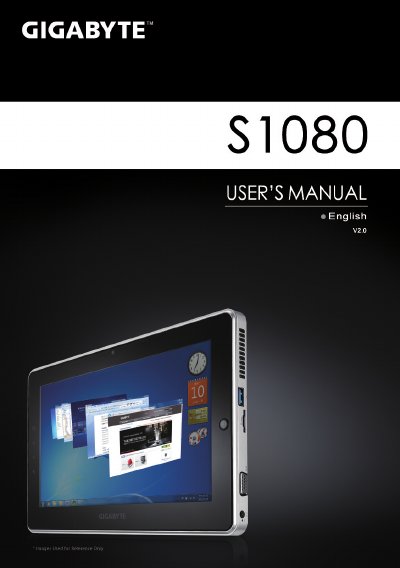
This manual guides you through the initial setup of the GIGABYTE Slate PC, including connecting power, using the directing hot key, and accessing the BIOS and system recovery functions. It also describes the hardware layout, ports, and optional accessories such as docking stations and extended batteries.
The document includes a software section covering GIGABYTE Smart Manager and Smart Recovery, warranty information, FAQs, and a specifications table that lists the CPU, operating system, display, memory, storage, and connectivity details of the device.
| CPU | Intel® Atom™ Processor |
|---|---|
| Operating System | Genuine Windows® 7 |
| Display | 10.1" 1024x600 LED backlight |
| System Memory | DDRIII SO‑DIMM*1 (Max 2GB) |
| Chipset | Mobile Intel® NM10 Express |
| Hard Disk Drive | 250/320 GB 2.5" 7 mm SATA HDD 5400 rpm |
| Audio | 1.5 W Speakers, Internal Mic‑in |
| I/O Ports | USB x2, D‑Sub, RJ45, Mic‑in, Earphone‑out, SD card reader, DC‑in Jack, Docking/Extended Battery, SIM slot |
| Ethernet | 10/100/1000 Mbps Ethernet Base‑T |
| Wireless | 802.11b/g/n |
| Bluetooth | V3.0 + HS |
| Webcam | 1.3 MP |
| Battery | Li‑ion 2‑cell |
Press and release the Power button to turn on the operating system.
Press the “+” key while powering on to launch the GIGABYTE BIOS Setup Utility.
Press the “‑” key while powering on to start GIGABYTE Smart Recovery, which restores the system to factory settings.