
This is the summary of AirCruiser Ultra N Router GN-BR32L-RH User’s Guide, which mainly introduces the features of the product, including wireless network layout, connection methods, how to connect to the Internet, and how to perform advanced settings
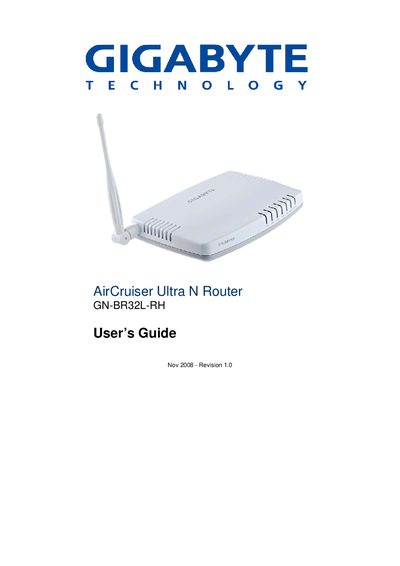
This guide introduces the GN-BR32L-RH 2.4 GHz Wireless Broadband Router, describing its features, package contents, and basic operation. It explains how to connect the router via wired or wireless methods and outlines the advanced configuration options available through the web‑based management interface.
The manual includes chapters on hardware overview, LED indicators, network setup, WAN configuration, security settings, management tools, and appendices covering FAQs, troubleshooting, specifications, warranty, and regulatory information.
| Wireless frequency | 2.4 GHz |
|---|---|
| Supported Wi‑Fi standards | 802.11n/b/g |
| Security protocols | WPA2, 802.1x |
| Power adapter | 5 V DC, 2 A |
| Ethernet ports | Auto‑MDIX |
Press and hold the Reset button for about five seconds, or use the Management Tools > Router Initialization screen to restore defaults.
The package contains the GN‑BR32L‑RH router, a 5 V DC 2 A power adapter, a user guide on CD‑ROM, a quick start guide, a SmartSetup 3 guide, and an Ethernet cable.