
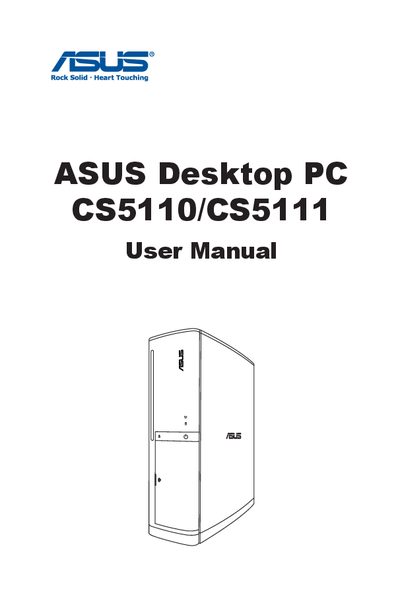
ASUS Desktop PC CS5110/CS5111 User Manual. This manual contains product usage instructions, safety information, notes, etc.
The manual welcomes the owner, lists the package contents (desktop PC, keyboard, mouse, power adapter, DVDs, etc.) and directs users to the ASUS support website for updates. It also explains the purpose of the manual and includes notices, FCC and Canadian compliance statements.
Safety guidelines cover proper installation, ventilation, temperature limits, and handling of power cords. The guide walks through setting up the system, connecting devices, using the optical drive, configuring audio, and optional wireless or Bluetooth connections. A troubleshooting section answers common problems such as power‑on issues, operating‑system failures, audio problems, and CD/DVD read/write errors.
| Operating temperature range | 0°C to 40°C |
|---|---|
| FCC compliance | Class B digital device |
Use a disc compatible with the optical drive, insert it correctly, ensure it is not scratched, and verify that it is not write‑protected.