
This document is a quick start guide for the Asus VE205/VE245/VE246 series LCD monitors, describing how to connect HDMI signals and the features of the monitor.
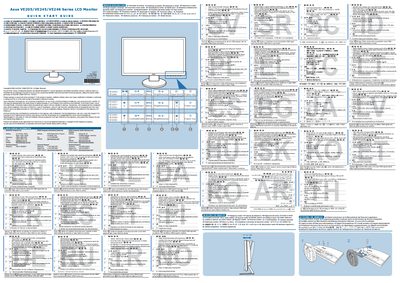
This Quick Start Guide provides basic setup instructions for the ASUS VE205, VE245 and VE246 series LCD monitors. It explains how to navigate the OSD menu, adjust picture settings, and use the dedicated shortcut buttons for brightness, contrast, volume and input selection.
The guide also details how to connect an HDMI source and automatically adjust the image position by holding the OSD button for 2‑4 seconds. Warranty and safety notices are included at the beginning of the document.