
This document is the user manual for the RT-N13U wireless router produced by ASUS. The manual includes features and characteristics of the product, as well as instructions for use and precautions.
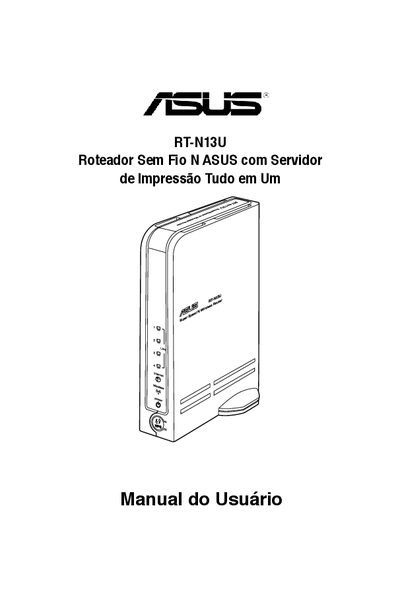
This manual guides users through setting up the ASUS RT‑N13U wireless router. It covers unpacking, hardware overview, system requirements, step‑by‑step installation, configuration via the web interface, and advanced features such as WPS, QoS, and virtual server setup. The document also includes a troubleshooting chapter and safety notices.
The guide details the router’s ports (WAN, four LAN, USB 2.0), power requirements (110/220 V), LED status indicators, and supported wireless standards (IEEE 802.11 b/g/n). Contact information for ASUS support in Brazil, the United States, Europe, and Asia‑Pacific is provided at the end of the manual. This manual is written in Portuguese.
| Power supply | 110/220 V |
|---|---|
| WAN port | RJ‑45 Ethernet |
| LAN ports | 4 RJ‑45 Ethernet ports |
| USB port | USB 2.0 |
| Wireless standards | IEEE 802.11 b/g/n |
Connect an Ethernet cable from your broadband modem to the Internet (WAN) RJ‑45 port on the router.
It supports IEEE 802.11 b, g, and n wireless networks.