
ASUS CX200 Internet Camera Quick Installation Guide, introduces the system requirements, hardware installation, video stream and other contents of the camera.
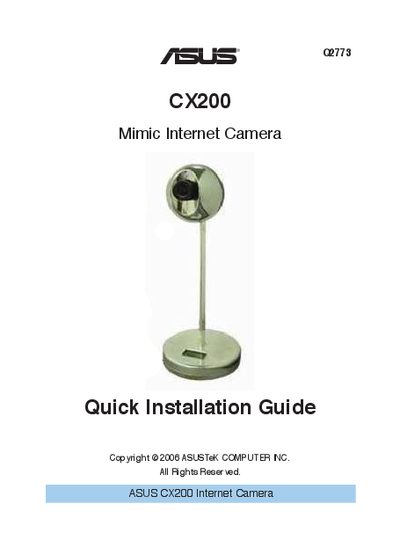
The ASUS CX200 Mimic Internet Camera is a USB‑powered network camera designed for easy home or office monitoring. This guide provides the essential steps to install the camera, configure its network settings, and start viewing video streams.
It walks you through system requirements, package contents, hardware connection, default login credentials, and how to use the supplied utility software for IP location, firmware upgrades, and multi‑camera monitoring.
| CPU | Pentium II 450 MHz and above |
|---|---|
| Memory | 64 MB and above |
| VGA resolution | at least 800 × 600 |
| CD‑ROM Drive | required |
| Web browser | Java‑enabled, IE 5.0 or above |
Both the default username and password are "admin".