
This document provides application notes for the DD-2864BY-1A OLED display module by DENSITRON TECHNOLOGIES. The document includes EVK schematic, symbol definition, timing characteristics, connection between OLED and EVK, and instructions on how to use DD-2864BY-1A.
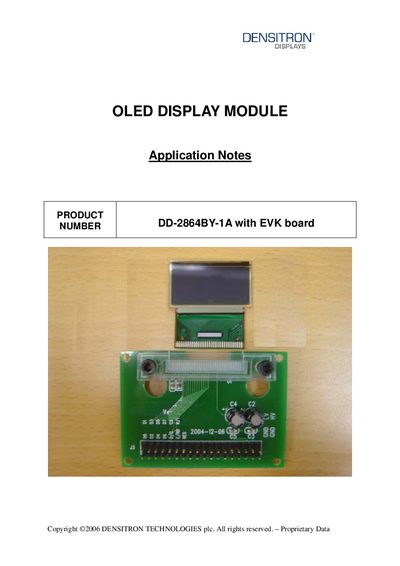
This document provides technical information for the Densitron DD-2864BY-1A OLED display module used together with the EVK evaluation board. It includes the EVK schematic, pin‑out definitions, timing characteristics of the 8080‑parallel interface, and example initialization code.
Key sections are the EVK schematic, a detailed symbol definition table, timing characteristic tables, connection diagrams between the OLED and EVK, and a recommended initial code example for MCU integration.
| Supply voltage range | 2.4 V to 3.5 V |
|---|---|
| Operating temperature range | -40 °C to 85 °C |
| Clock cycle time | 300 ns |
The DD-2864BY-1A operates from 2.4 V to 3.5 V supply voltage.
The EVK board uses an 8080‑parallel interface to connect to the OLED module.
The RES# pin is the reset input; pulling it low initiates chip initialization.
Pins DO0‑DO7 form an 8‑bit bi‑directional data bus connected to the MCU’s data bus.