
This manual introduces the features and design of the Panasonic PLC-XE40 multimedia projector. Main features include short focus lens, anti-theft alarm function, security features, logo function, compact design, simple computer system setup, compatibility, quick termination and digital zoom function.
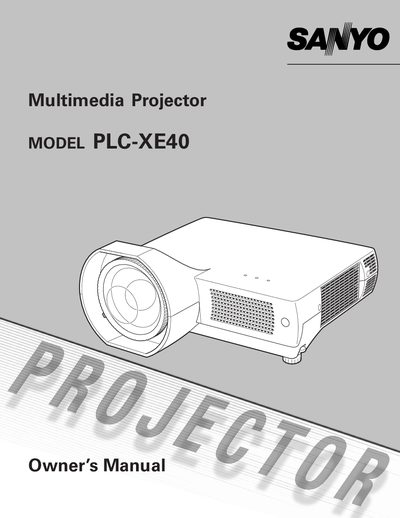
This manual introduces the Sanyo PLC-XXE40 multimedia projector, highlighting its LCD technology, 16.77‑million‑color palette, short‑focus lens, and antitheft alarm function. It details supported video inputs, multilingual on‑screen menus, and power‑management features.
The guide covers safety precautions, installation steps, remote‑control operation, image adjustments, cleaning procedures, and troubleshooting. Technical specifications and optional accessories are listed, and service information is provided for qualified technicians.
| Color palette | 16.77 million colors |
|---|---|
| On‑screen menu languages | 16 languages |
| Power management | Reduces power consumption and maintains lamp life |
The on‑screen menu is available in 16 languages, including English, German, French, Italian, Spanish, Portuguese, Dutch, Swedish, Finnish, Polish, Hungarian, Romanian, Russian, Chinese, Korean, and Japanese.
Unplug the projector from the AC power supply and use a damp cloth; do not use liquid or aerosol cleaners.
The antitheft alarm sounds when vibration is detected; it can be set via the remote control.
No, the projector can only be turned on and operated via the remote control.