
150Mbps High Power Wireless USB Adapter User Manual
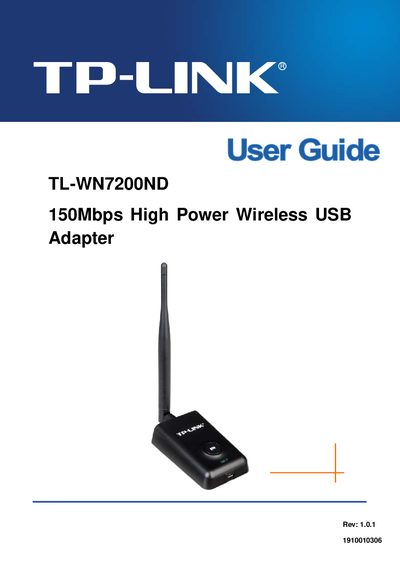
This guide introduces the TL-WN7200ND 150Mbps High Power Wireless USB Adapter, covering its features, supported standards, and security options. It explains the package contents, hardware installation, driver installation from the included CD, and how to uninstall the software.
The manual also details configuration steps, including LED status interpretation, AP mode settings, and advanced options such as QSS and roaming. An appendix lists the full technical specifications, including interface, frequency, data rates, and environmental limits.
| Interface | Mini-USB Connector |
|---|---|
| Standards | IEEE 802.11n, IEEE 802.11g, IEEE 802.11b |
| Operating System | Windows 2000/ XP/ Vista/ 7 |
| Frequency | 2.4 ~ 2.4835 GHz |
| Radio Data Rate | Up to 150Mbps |
| Modulation | 11n OFDM, 11g OFDM, 11b CCK/DSSS |
| Media Access Protocol | CSMA/CA with ACK |
| Data Security | WPA, 64/128‑bit WEP, TKIP/AES, IEEE 802.1X authentication |
| Working Temperature | 0°C~40°C (32°F~104°F) |
| Storage Temperature | -40°C~70°C (-40°F~158°F) |
| Humidity | 10%~‑90% RH, non‑condensing |
The LED on the top of the card shows Link/Act status and blinks when data is being sent or received.
The adapter supports WPA, 64/128‑bit WEP, TKIP/AES, and IEEE 802.1X authentication.
The adapter can achieve a wireless data rate of up to 150 Mbps.