
The TL-WN727N Wireless Lite N USB Adapter is a high-speed wireless adapter designed for home and office users. It can connect to wireless networks at speeds of up to 150Mbps, giving you a smooth online experience. It also supports WEP, TKIP, AES, WPA, and WPA2 encryption to protect your personal information from outside intrusion.
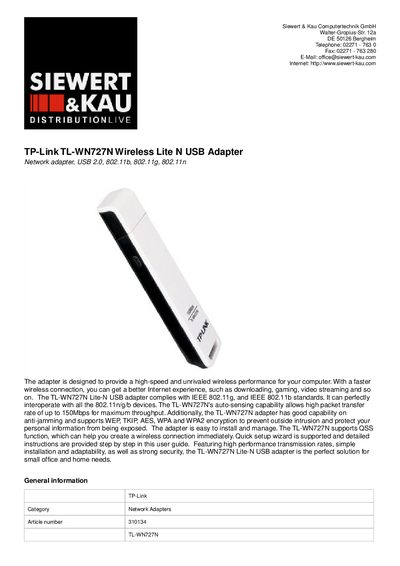
The TL-WN727N Wireless Lite N USB Adapter is a compact external network adapter that connects to a computer via a Hi‑Speed USB port. It supports IEEE 802.11b/g/n standards, offers up to 150 Mbps data rates, and includes security options such as WEP, TKIP, AES, WPA and WPA2.
This manual covers installation steps, quick‑setup wizard usage, technical specifications, system requirements, and environmental operating limits. It also details supported operating systems (Windows 2000/XP/Vista) and provides troubleshooting guidance.
| Device Type | Network adapter |
|---|---|
| Form Factor | External |
| Interface (Bus) Type | Hi-Speed USB |
| Data Transfer Rate | 150 Mbps |
| Compliant Standards | IEEE 802.11b, IEEE 802.11g, IEEE 802.11n, IEEE 802.1x |
| Encryption Algorithms | AES, 128‑bit WEP, 64‑bit WEP, TKIP, WPA, WPA2, WPA‑PSK, WPA2‑PSK |
| Operating Temperature | 0 °C to 40 °C |
The adapter supports a data transfer rate of up to 150 Mbps.
It works with Microsoft Windows 2000, Windows XP, and Windows Vista.
The device supports AES, 128‑bit WEP, 64‑bit WEP, TKIP, WPA, WPA2, WPA‑PSK and WPA2‑PSK.