
TL-WR340G TL-WR340GD 54M wireless router specifications
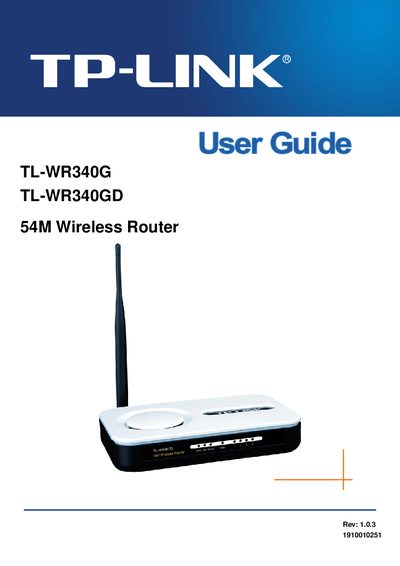
This guide covers the TL‑WR340G/TL‑WR340GD 54 Mbps wireless router, describing its hardware components, installation steps, and software configuration. It also explains the differences between the G model (fixed antenna) and the GD model (detachable antenna).
The manual is organized into chapters on hardware installation, software configuration (including WAN, LAN, wireless settings, DHCP, port forwarding, and security), as well as appendices with a FAQ, full specifications, and a glossary of networking terms.
| Standards and Protocols | IEEE 802.3, IEEE 802.3u, IEEE 802.11b and IEEE 802.11g |
|---|---|
| LED Indicators | Power, SYS, WLAN, WAN, 1‑4 |
| Ports | One 10/100M WAN RJ45 port, Four 10/100M LAN RJ45 ports (Auto‑MDIX) |
| Frequency | 2400–2483.5 MHz |
| Channels | 13 |
| Media Access Protocol | CSMA/CA with ACK |
| Security | WEP, WPA, WPA2 |
| Operating Temperature | 0 °C to 40 °C (32 °F to 104 °F) |
| Storage Temperature | -40 °C to 70 °C (-40 °F to 158 °F) |
| Operating Humidity | 10%–90% RH, non‑condensing |
| Storage Humidity | 5%–90% RH, non‑condensing |
The TL‑WR340G has a fixed antenna, while the TL‑WR340GD features a detachable antenna.
The router includes four 10/100 Mbps Auto‑Negotiation LAN RJ45 ports that support Auto‑MDIX.
The device supports WEP, WPA, and WPA2 security modes.