
This is a TP-LINK PCI-E Gigabit network adapter
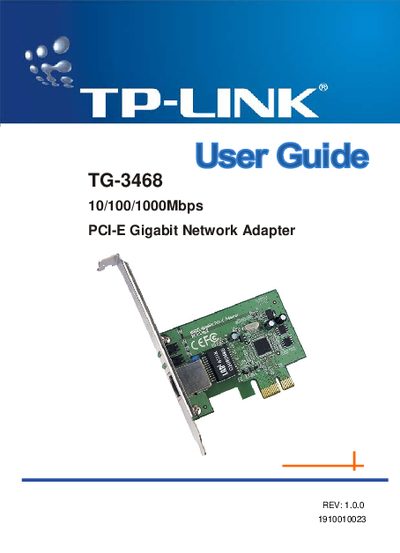
This guide introduces the TP‑Link TG‑3468 10/100/1000Mbps PCI‑E Gigabit Network Adapter, describing its features such as auto‑negotiation, wake‑on‑LAN, and four status LEDs. It also lists the package contents and provides an overview of the product specifications.
Installation instructions cover hardware mounting, driver installation for Windows and other operating systems, and troubleshooting tips for common issues like hardware detection failures or LED status problems.
| Interface | PCI Express 1.0a |
|---|---|
| Buffer Size | On Chip Buffer (48K) |
| Standards | IEEE802.3ab |
| Transmission Rate (Half‑Duplex) | 10/100/1000Mbps |
| Transmission Rate (Full‑Duplex) | 10/100/1000Mbps |
| Connector | RJ45 Auto‑Negotiation port |
| Supported Drivers / OS | Windows 98se/Me/2000/XP/XP64, Linux, Vista 32/64 |
| LED Indicators | 10M Link/Act, 100M Link/Act, 1000M Link/Act, Full Duplex Mode |
| Operating Temperature | 0°C~40°C |
| Storage Temperature | -20°C~70°C |
| Operating Humidity | 10% - 90% |
| Storage Humidity | 5% - 90% |
The adapter has four LEDs: a 10Mbps Link/Act LED, a 100Mbps Link/Act LED, a 1000Mbps Link/Act LED, and a Full Duplex Mode LED.
Drivers are provided for Windows 98se/Me/2000/XP/XP64, Linux, and Vista 32/64.