
This document is an introduction to the TL-SG3210 JetStream L2 Lite Managed Switch. The product is a managed switch manufactured by TP-LINK TECHNOLOGIES CO., LTD. It has features and characteristics including easy installation and use, compliance with Class A digital device limits and rules, and design to provide reasonable protection against harmful interference in a commercial environment.
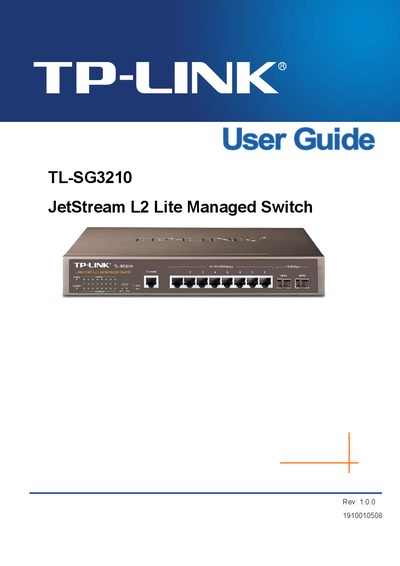
The TP‑Link TL‑SG3210 is a JetStream L2 Lite Managed Switch designed for small‑to‑medium networks. This User Guide explains how to install the hardware, log in to the switch, and configure basic and advanced features.
Key sections cover system information, port configuration, VLAN and multicast settings, QoS, ACL, network security, SNMP management, and maintenance procedures. The guide also includes a package contents checklist and reference definitions for protocols such as LACP, RADIUS, and SNMP.
The package contains one JetStream L2 Lite Managed Switch, one power cord, one console cable, mounting brackets, an installation guide, and a resource CD.
Port Mirroring is a method whereby data on a target port is mirrored to a monitor port for troubleshooting.
LACP stands for Link Aggregation Control Protocol and it allows ports to automatically negotiate a trunked link.