
D-Link ShareCenter Pulse DNS-320 User Manual introduces the features and characteristics of the product, including product overview, hardware overview, installation, configuration, management and more.
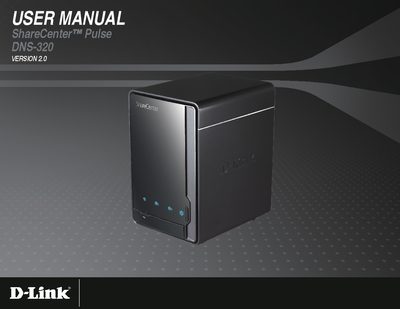
The DNS-320 ShareCenter Pulse is a 2‑bay network storage unit that supports internal 3.5" SATA drives. It provides file sharing, remote FTP/WebDAV access, DLNA media streaming, and multiple drive configurations (Standard, JBOD, RAID 0, RAID 1). The manual covers hardware layout, front‑panel indicators, rear‑panel connections, and power management.
Installation steps, web‑based configuration, user/group management, and advanced features such as USB copy, P2P downloading, and backup options are described in detail, along with troubleshooting tips in the Knowledge Base section.
| Drive Bays | 2 |
|---|---|
| Hard Drive Size | 3.5" SATA |
| Network Interface | Gigabit Ethernet |
Press and hold the Reset button on the rear panel for more than 5 seconds; the unit will return to its factory settings.
Any PC, Mac, or Linux computer with a web browser such as Internet Explorer 7, Firefox 3, or Safari 4 and above can access the device without installing additional software.