
This is a quick setup guide for the Huawei B970b Wireless Gateway, which includes information on components, connection and setup steps, and configuration operations.
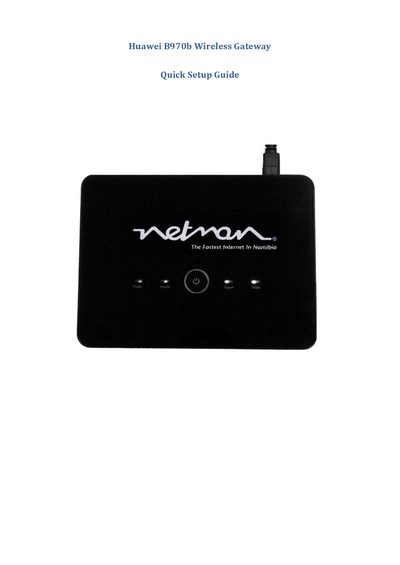
The guide starts with a list of components – power supply, Ethernet cable, pedestal, antenna and the wireless router – and explains how to insert the SIM card, connect the power source and attach the antenna. It then describes how to connect the Ethernet cable to a computer and access the gateway's web interface.
After logging in with the default admin credentials, the Quick Setup Wizard walks you through configuring the WAN connection, selecting PPP authentication methods, entering ISP‑provided APN, username and password, and finalizing the settings. The final pages show how to test the connection and verify internet access.
Use the Configuration Wizard to enter the ISP profile name, dial‑up number, PPP username, PPP password, and select the APN type (static or dynamic) and authentication method (CHAP+PAP).
The summary page displays the selected profile name, connection type, PPP authentication method, SSID, and other configured parameters before finishing the setup.
Open the SIM slot on the router and insert the SIM card as shown in the "Inserting the SIM" step.