
The Huawei EC152 User Guide introduces the use of Huawei EC152, including system requirements, appearance, inserting microSD card, using the device, Windows XP installation steps, Mac OS installation steps, troubleshooting, care and maintenance, warnings and precautions.
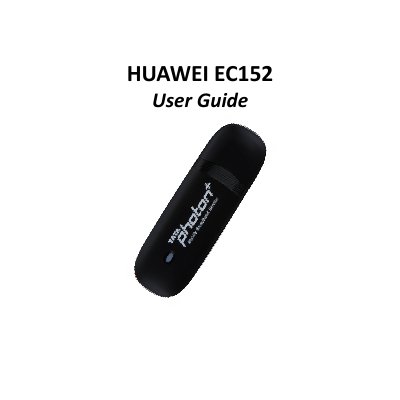
This guide introduces the Huawei EC152 TATA Photon Plus USB Data Modem, covering system requirements, device appearance, and technical specifications. It explains how to insert a microSD card, describes the indicator light signals, and lists the supported operating systems such as Windows XP, Vista, 7 and Mac OS X.
Installation procedures, troubleshooting steps, and safety precautions are detailed, including warnings about RF exposure, environmental conditions, and proper handling of the device and accessories. The manual also includes FCC certification information and maintenance recommendations.
| Modem Type | USB Dongle |
|---|---|
| Mode | NON‑RIUM Mode EVDO REV A |
| Frequency (Band) | 800 MHz |
| Antenna Type | Internal |
| Dimensions | 83.0 mm × 26.6 mm × 11.5 mm |
| Memory Card Slot | microSD |
| External Memory Support | Up to 4 GB |