
This document is a quick start guide for Huawei B593 SE UK SE 6 SIM 1 2 6 3 UK 12 3. The guide provides detailed instructions on how to set up and use this 4G router.
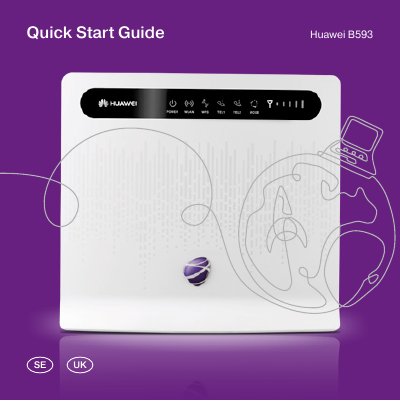
This guide walks you through unpacking the Huawei B593 SE 4G router, inserting the SIM card, attaching the antennas, and powering the device. It explains each hardware connector—LAN, USB, telephone ports, and the WPS button—and shows how to access the router’s web‑based setup page (http://192.168.1.1) using the default admin password.
The manual also describes the LED status colors, how to reset the router, how to configure Wi‑Fi (WLAN‑Name and WLAN‑Key), and provides troubleshooting tips for connectivity issues. Safety instructions and basic specifications such as supported networks, data rates, and compatible operating systems are included. This manual is written in Swedish.
| Supported Networks | 2G / 3G / 4G / WLAN |
|---|---|
| Maximum 4G Download Speed | up to 100 Mbps |
| Maximum 4G Upload Speed | up to 50 Mbps |
| Operating System Compatibility | Windows XP/Vista/7, Mac OS X |
| Supported Web Browsers for Setup | Explorer 7.0, Firefox 3.5, Opera 10, Safari 5, Chrome 9+ |
| Maximum Connected Devices | 32 devices |