
RF600E, RF600D are RF Solutions company's easy to use encoder and decoder I/C's. They are designed to achieve the maximum possible range from any radio / Infra Red transmitter receiver set. Unlike other encoder /decoder devices the RF600E/600D provide an unprecedented level of security which prevents copying or grabbing whist also obtaining optimum range from the transmitter and receiver.
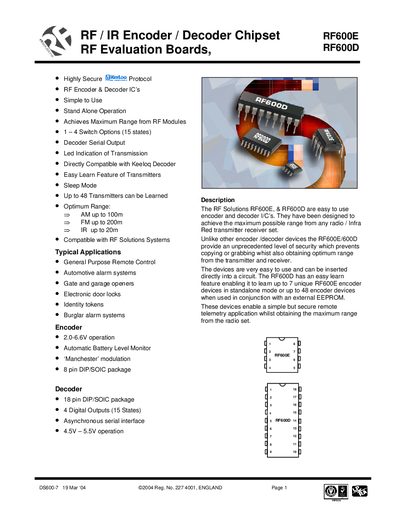
The RF600E and RF600D are stand‑alone encoder and decoder ICs designed for secure remote control and telemetry. The handbook describes their operation, pin functions, learning procedures, low‑battery indication and sleep mode, as well as how to interface them with RF or IR modules.
Typical applications include automotive alarms, gate openers, electronic door locks and access‑control systems. The document also provides evaluation board information, serial data format, and ordering details for the RF600E/D chipset families.
| Dimensions | 174 x 106 mm |
|---|---|
| Supply Voltage (Min) | 11.0 V |
| Supply Current | 25 mA |
| Time from Encoder Switch depressed to Decoder output | 100 ms |
| Time from Encoder Switch release to Decoder output | 300 ms |
The RF600D can learn up to 7 unique RF600E transmitters, or up to 48 when an external EEPROM is used.
Serial data is sent as ASCII characters at 57.6 kbaud, 7 data bits, 1 stop bit, no parity.
The RF600E measures its battery voltage each operation; if it falls below about 3.8 V a flag bit is transmitted and the decoder’s low‑battery output goes low.
Holding the SLEEP pin low puts the device into sleep mode (≈1 µA current); pulling it high returns the device to normal operation.