
C780, C782 User's Guide
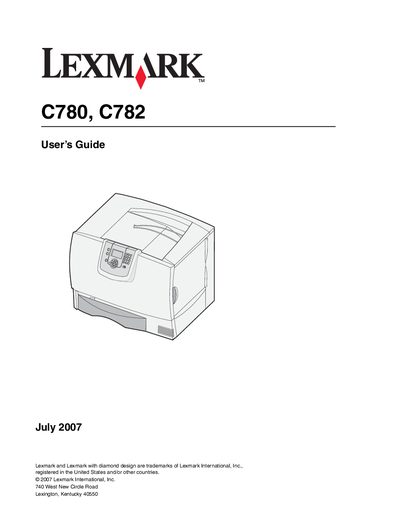
This guide covers installation of optional components such as 2000‑sheet and 500‑sheet drawers, duplex units, and finishers. It includes safety cautions, power‑connection guidelines, and detailed procedures for loading media, configuring the operator panel, and linking trays.
Later chapters describe media specifications, routine maintenance, paper‑jam clearing, administrative settings, and troubleshooting tips. An index and detailed tables of contents make it easy to locate information about supplies, security features, and network options.
| Power supply input voltage | 100‑240 VAC, 50/60 Hz |
|---|---|
| Maximum branch protection current | 16 A (20 A in US/Canada) |
| Maximum paper capacity (2000‑sheet drawer) | 1 optional 2000‑sheet drawer |
| Printing technology | Laser printer |