
The Lexmark X1180 is an All-In-One printer that supports printing, scanning, and copying. It has a maximum printing resolution of 4800 x 1200 dpi and a scanning resolution of 600 x 1200 dpi. It comes with a black cartridge and a color cartridge. The black cartridge can print up to 205 pages and the color cartridge can print up to 140 pages.
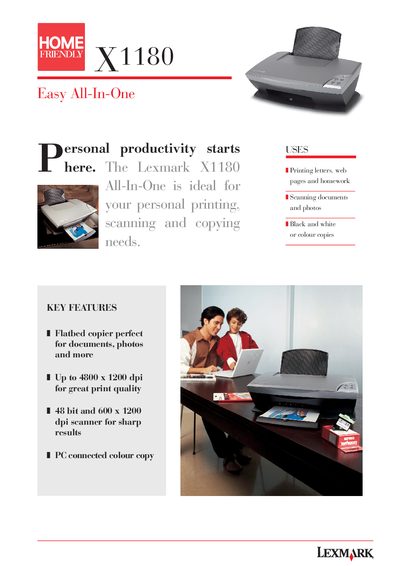
The Lexmark X1180 All-In-One is a compact printer, scanner, and copier designed for personal productivity. It offers high‑resolution printing up to 4800 × 1200 dpi, a 48‑bit colour depth, and a flatbed CIS scanner with up to 600 × 1200 dpi optical resolution.
This manual includes key features, detailed specifications, installation instructions, and system requirements. It also lists the contents of the box, paper handling capacities, and warranty information to help users get the most out of the device.
| Maximum print resolution (best) | 4800 × 1200 dpi |
|---|---|
| Maximum scan resolution (optical) | 600 × 1200 dpi |
| Colour depth | 48 bits internal True Colour |
| Memory | 256 KB RAM |
| Paper capacity (input / output) | 100 sheets / 25 sheets |
| Power requirements | 220 V – 240 V input |
The best print resolution is 4800 × 1200 dpi on glossy paper.
The device can produce up to 99 copies in a single job via the host computer.
A Pentium II processor at 300 MHz, 128 MB RAM, and 500 MB of hard‑disk space are required.