
Memory Maker 450 Series User's Guide
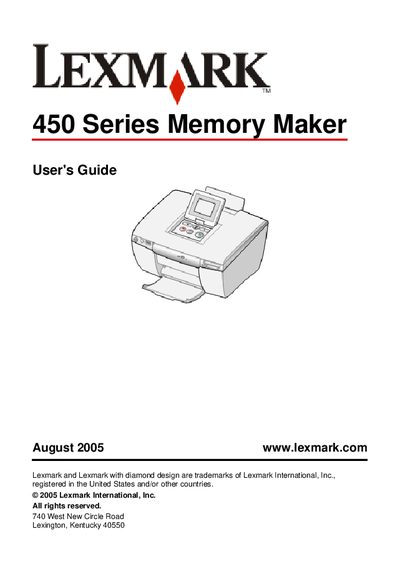
This guide covers everything you need to know to install and use the Lexmark 450 Series Memory Maker printer. It includes safety information, hardware setup, loading paper, inserting memory cards or USB flash drives, and using the control panel to print photos, slideshows, and video output.
The manual also explains how to connect Bluetooth adapters, use PictBridge‑enabled cameras, maintain the printer, refill the print cartridge, and troubleshoot common error messages. Reference tables list supported memory‑card formats and paper‑size options, and the document points to additional resources on Lexmark’s website.
| Supported memory card types | CompactFlash, Memory Stick (MS), Memory Stick Duo, Memory Stick PRO, Mini Secure Digital, MMC, SD, SmartMedia, xD Picture Card |
|---|
Insert the card with the brand name label facing up, make sure any arrow on the card points toward the printer, and insert only one memory card at a time.
Yes, connect the PictBridge‑enabled camera to the printer’s PictBridge port and follow the camera’s instructions to print photos.
Check for paper misfeeds, verify the paper size setting, and consult the General troubleshooting section for further steps.
Visit Lexmark’s website for the latest information on supported Bluetooth adapters and follow the provided instructions.