
This manual provides information on Lexmark N4000e print server, including introduction, setup, troubleshooting, etc.
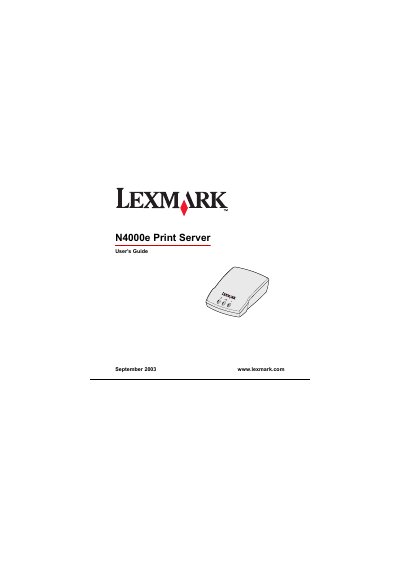
The Lexmark N4000e Print Server enables sharing of a printer across multiple network computers. This manual explains the hardware connections, required network environment, and supported operating systems, and provides step‑by‑step instructions for installing the Setup Utility software.
It also covers how to configure network settings, interpret indicator lights, use the web‑based management page, and resolve common issues such as missing printers or error messages. Warranty and regulatory information are included at the end of the document.
| Network type | 10/100 Base TX Ethernet |
|---|---|
| Supported operating systems | Windows 95, 98, Me, NT, 2000, XP, 2003 Server |
| Power indicator | On indicates power supply is properly connected |
| Regulatory compliance | Class B digital device (FCC) |
The Power light being on shows that the print server’s power supply is correctly connected.
The Status light indicates a firmware error; refer to the Troubleshooting chapter for steps to resolve the issue.