
This document is Lexmark user's guide, which introduces how to use Lexmark printer.
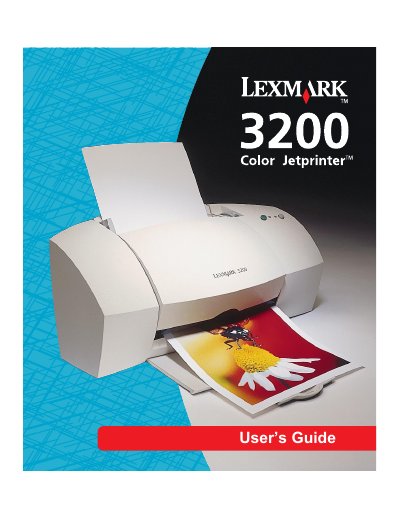
This guide covers the Lexmark 3200 color inkjet printer, describing its features, supported media types, and basic operation. It explains how to load paper, select media, and use the printer’s buttons and lights.
The manual is organized into chapters on understanding the printer, using the software, printing on various media, caring for the device, cartridge installation, alignment, cleaning, and troubleshooting, plus several appendices with software installation and warranty information.
| Print technology | color inkjet |
|---|---|
| Supported media | plain paper, envelopes, labels, index cards, postcards, coated paper, glossy film, photo paper, transparencies, greeting cards, banners, iron‑on transfers |
Use the Media guide and Sheet feeder to align the paper to the correct size and load it into the sheet feeder.
Open the front cover, remove the old cartridge, and install a new one, then close the cover.