
The Lexmark P6250 Home Photo All-In-One makes it easy and quick to print, scan and copy photos. Print pictures directly from a memory card, digital camera or PC. Make copies of existing photos or scan them to your PC. Use the included photo software to touch-up photos in a flash. It’s the perfect solution for all your photo needs.
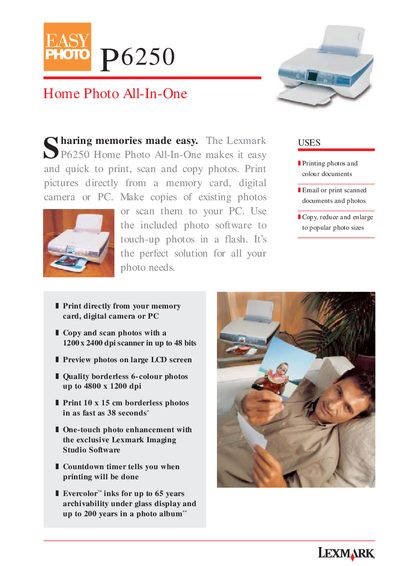
The Lexmark P6250 Home Photo All-In-One is a compact printer that prints, scans and copies photos and colour documents. It supports direct printing from memory cards, digital cameras, and PCs, and offers border‑less 6‑colour photo printing up to 4800 × 1200 dpi.
This guide lists the main features, technical specifications, and quick‑set‑up steps. It includes information on print and scan resolutions, ink technology, duty cycle, power requirements, tray capacities, and what is supplied in the box.
| Color depth | 48 bits internal |
|---|---|
| Print speed (Black, Quick mode) | up to 22 ppm |
| Print speed (Colour, Quick mode) | up to 15 ppm |
| Duty cycle | 3 000 pages/month |
| Power requirements | 90 V AC – 270 V AC input |
| Input tray capacity | up to 100 sheets |
| Machine weight | 4.8 kg |
| Machine dimensions (retracted) | 435 mm W × 334 mm D × 117 mm H |
A 10 × 15 cm borderless photo can be printed in as fast as 38 seconds.
The printer is rated for a duty cycle of 3 000 pages per month.