
This product is a multi-function all-in-one printer that supports color printing, color scanning, color copying, and faxing. It has a 35mm photo-quality print resolution of up to 4800 x 1200 dpi, and black print speeds of up to 14 ppm and color print speeds of up to 8 ppm.
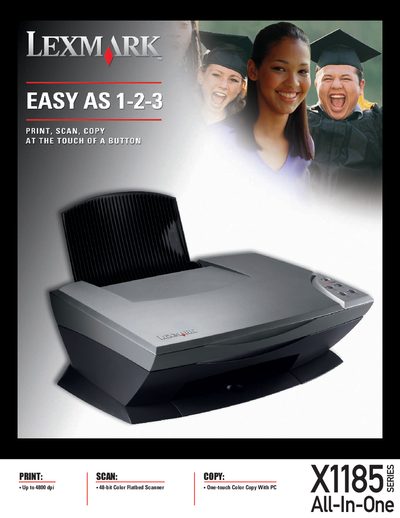
The Lexmark X1185 is an All‑In‑One office device that prints, scans, copies and faxes. It offers up to 4800 dpi print resolution, a 48‑bit color flatbed scanner, and one‑touch color copy capabilities.
Key features include the Accu‑Feed paper‑handling system, low‑noise operation at 44 dBA, a duty cycle of up to 2,000 pages per month, USB 2.0 full‑speed connectivity, and Energy Star compliance. The unit supports a wide range of paper types and sizes, with a 100‑sheet input capacity and 25‑sheet output tray.
| Print resolution | Up to 4800 dpi |
|---|---|
| Scan resolution | Up to 4800 × 1200 dpi |
| Print speed (black) | 13 cpm |
| Print speed (color) | up to 5 cpm |
| Monthly duty cycle | Up to 2,000 pages |
| Paper capacity (input) | Up to 100 sheets |
| Output capacity | 25 sheets |
| Connectivity | USB 2.0 Full Speed |
| Energy Star compliance | Yes |
The X1185 can print at up to 4800 dpi.
It prints at 13 cpm in black and up to 5 cpm in color.
The device is rated for up to 2,000 pages per month.
Yes, it is compatible with USB 2.0 full‑speed.