
XE-A213 ELECTRONIC CASH REGISTER INSTRUCTION MANUAL
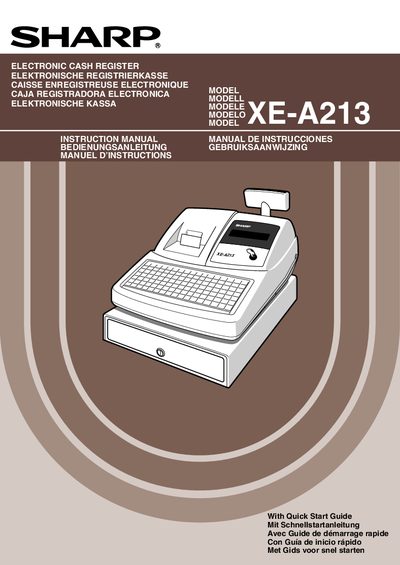
This manual covers everything needed to install and operate the Sharp XE-A213 electronic cash register. It includes safety warnings, initial setup steps such as initializing the unit and installing alkaline AA batteries, and detailed instructions for loading paper rolls and connecting power.
Later sections describe programming functions, sales entry procedures, correction methods, report generation, optional features, and maintenance tasks like printer cleaning and battery replacement. A specifications table and disposal information are also provided.
| Model | XE-A213 |
|---|---|
| Dimensions (W×D×H) | 355 mm × 430 mm × 312 mm |
| Weight | 11 kg |
| Stand‑by Power Consumption | 11.5 W (220‑230 V) / 11.4 W (230‑240 V) |
| Operating Power Consumption | 41.4 W (220‑230 V) / 41.8 W (230‑240 V) |
| Working Temperature Range | 0 °C to 40 °C |
| Operator Display | Dot matrix, 16 positions, 1 line |
| Customer Display | 7‑segment, 7 positions |
| Printer Type | One‑station thermal printer |
| Printing Speed | ≈12 lines/second |
| Paper Roll Width | 57.5 mm ± 0.5 mm |
| Cash Drawer Slots | 5 bill slots, 8 coin slots |
Insert the manager (MA) key, turn the mode switch to REG, plug the AC power cord in, and wait for the buzzer to sound three times; the display will show "0.00" and "NO BATTERY".
Three new alkaline AA (LR6) batteries must be installed after the register has been initialized.
It uses a one‑station thermal printer that does not require ink ribbons or cartridges.
The cash drawer provides 5 slots for bills and 8 slots for coins.