
This document is the user manual of the Canon UX-B700 fax machine
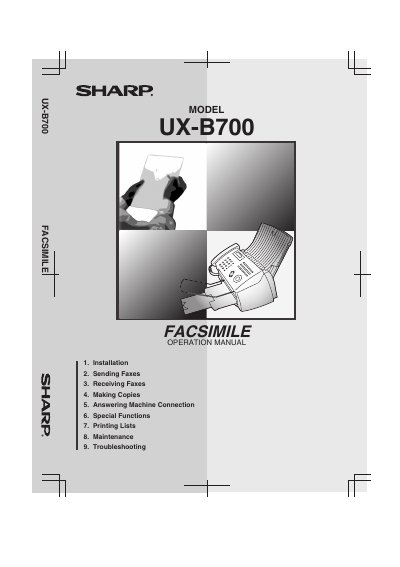
This manual covers everything needed to set up and use the Sharp UX‑B700 facsimile machine, including installation steps, connecting the power and telephone cords, loading paper and cartridges, and configuring fax and telephone functions. Detailed sections explain how to send and receive faxes, make copies, connect an answering machine, and use special functions such as caller ID and distinct ring.
Maintenance and troubleshooting guidance are provided, with instructions for cleaning the scanner glass, improving print quality, clearing paper jams, and ordering replacement parts. Safety warnings and FCC regulatory information are also included to ensure proper and safe operation.
| Paper tray capacity (Letter) | Approx. 200 sheets |
|---|---|
| Paper tray capacity (Legal) | 100 sheets |
| Memory size | 1.8 MB (≈100 pages) |
| Modem speed | 14,400 bps |
| Scanning resolution (horizontal) | 203 lines/inch |
| Scanning resolution (vertical) | 98 lines/inch |
| Print resolution | 600 × 600 dpi |
| ADF capacity (Letter/A4) | 20 pages |
| ADF capacity (Legal) | 5 pages |
| Standby power consumption | 5.0 W |
| Maximum power consumption | 30 W |
| Weight | Approx. 11 lb (5 kg) |
The automatic document feeder can hold up to 20 Letter‑size pages.
The machine uses 5.0 W in standby mode.