
This document is the operation manual for the XG-C430X XG-C330X LCD projector, which covers quick start setup, connections, basic operation, and useful features.
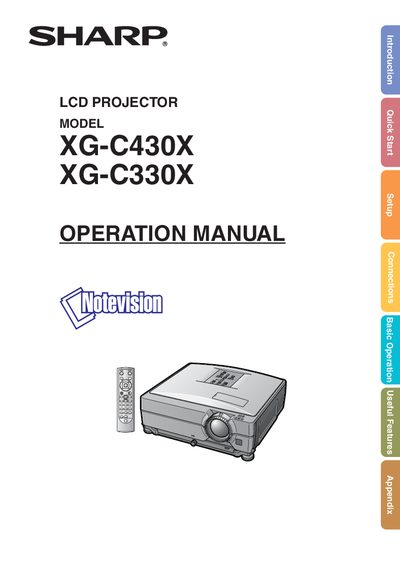
This manual covers everything needed to install and operate the Sharp XG-C430X and XG-C330X LCD projectors. It includes quick‑start steps, detailed connection diagrams, menu navigation, useful features, and a full appendix with troubleshooting and service information.
Safety warnings, lamp handling, ventilation, and environmental considerations are explained, along with specifications such as pixel count, fan behavior, and mounting limits. The document also describes how to access multilingual PDF manuals on the supplied CD‑ROM.
| LCD panel pixel count | 786,432 pixels (x RGB) TFTs |
|---|---|
| Cooling fan run‑time after standby | about 90 seconds |
| Maximum tilt angle for installation | ±9 degrees |
| UK mains plug type | non‑rewireable plug with 10 A fuse |
| Lamp composition | tin‑lead solder and a pressurized lamp containing a small amount of mercury |
The cooling fan continues to run for about 90 seconds after standby is engaged.
The projector can be tilted up to ±9 degrees from horizontal.
A non‑rewireable molded plug with a 10 A fuse is supplied for the UK.
The LCD panel contains 786,432 pixels (x RGB).