
This manual describes how to use the LC-26A37M, LC-32A37M and LC-37A37M LCD colour TV products.
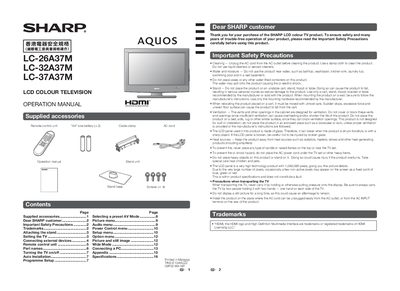
This manual begins with important safety precautions, a list of supplied accessories, and step‑by‑step instructions for attaching or detaching the stand and installing the TV on a wall or cart. It also explains how to connect the antenna and external devices such as VCRs, game consoles, DVD players, and PCs.
The later sections cover TV operation, including power on/off, remote‑control button functions, programme setup, auto and manual channel search, AV mode selection, picture and sound adjustments, child lock and password settings, and power‑management features like automatic shut‑off and optical picture control.
| Pixel count | 1,049,088 pixels |
|---|---|
| Power plug type | Standard DIN45325 (IEC169‑2) |
First unplug the AC cord, then insert the stand base onto the stand post on the TV bottom and tighten the four supplied screws.
Press the POWER button on the TV to turn it on; press the POWER button on the remote control to turn it off (standby mode).
Select “Change Password” from the Setup menu, enter a 4‑digit password, confirm it, and press ENTER.
Unplug the AC cord from the outlet and use a damp cloth; do not use liquid or aerosol cleaners.