
20-inch widescreen LCD TV with 1366x768 resolution and excellent viewing angles for high-definition images.
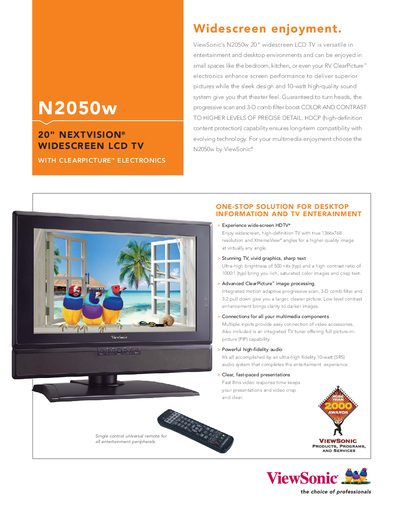
The N2050w is a 20‑inch widescreen LCD television designed for both entertainment and desktop use. It features ClearPicture™ electronics, a 1366×768 resolution, 500 cd/m² brightness, and a 1000:1 contrast ratio for vivid images, plus a 10‑watt high‑fidelity audio system.
This manual covers the TV’s connections, remote control functions, on‑screen menu options, technical specifications, safety guidelines, and warranty information. It also includes a quick‑start guide, detailed control descriptions, and troubleshooting tips.
| Screen Size | 20" (20.1" diagonal) |
|---|---|
| Resolution | 1366x768 |
| Contrast Ratio | 1000:1 (typ) |
| Brightness | 500 cd/m² (typ) |
| Response Time | 8 ms gray‑to‑gray (avg) |
| Light Source Life | 50,000 hrs (typ) |
| Power Consumption | 100 W (typ) |
| Dimensions | 546 mm × 461 mm × 162 mm (21.5" × 18.1" × 64") |
| Weight | 17.6 lb (8.0 kg) net |
The TV measures 546 mm wide, 461 mm high, and 162 mm deep (21.5" × 18.1" × 64").
Typical power consumption is 100 W.
It includes PC RGB analog, TV/cable composite, component YPbPr/YCbCr, S‑video, 3.5 mm mini stereo audio in/out, and RCA audio inputs.
A one‑year limited warranty covers parts and the backlight.