
This 42-inch widescreen LCD display provides high-definition picture quality and high brightness, and also supports HDMI interface and high-fidelity surround sound system.
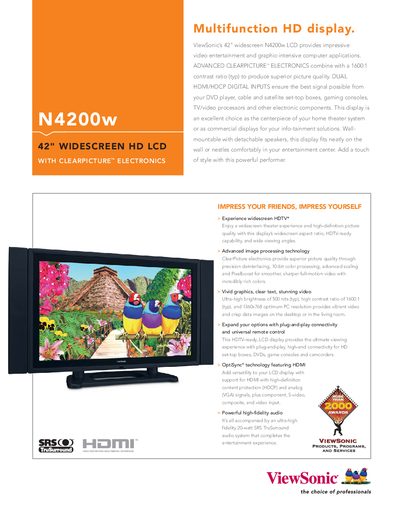
This manual describes the ViewSonic N4200w 42" widescreen HD LCD, a high‑contrast, high‑brightness display designed for home theater and commercial infotainment use. It outlines the product’s key features, such as ClearPicture™ electronics, HDMI/HDCP inputs, and built‑in SRS TruSurround audio.
The guide includes detailed specifications, connection options, control functions, physical dimensions, package contents, and warranty information, helping users install, configure, and operate the display safely and effectively.
| Native Resolution | 1366x768 |
|---|---|
| Contrast Ratio | 1600:1 (typ) |
| Brightness | 500 nits (typ) |
| Response Time | 8 ms |
| Light Source Life | 50,000 hrs (typ) |
| Power Consumption | 240 W (typ) |
| Power Input | AC 90‑240 V, 50‑60 Hz (universal) |
| Dimensions (with stand) | 48.9" x 29" x 12" |
| Weight (with stand) | 72.6 lb (33.0 kg) |
| Audio Output | 2 × 10‑Watt SRS TruSurround speakers |
| HDMI Input | Digital HDMI with HDCP and audio support |
| Analog Video Input | PC RGB analog (75 Ω, 0.7 Vp‑p) |
The display operates on universal AC power from 90 V to 240 V at 50‑60 Hz.
ViewSonic offers a one‑year limited warranty on parts and the backlight.
The unit measures 48.9 inches wide, 29 inches high, and 12 inches deep with the stand attached.