
This is an instruction manual for DVD-R120/R121.
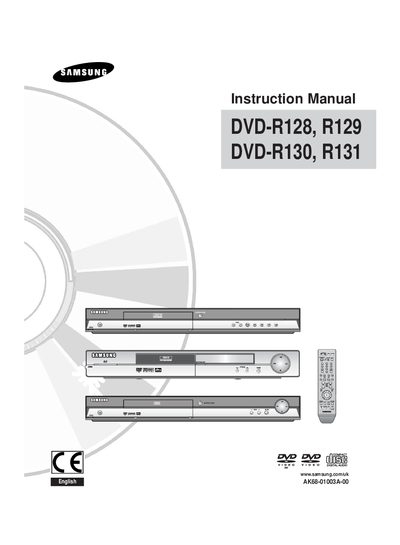
This manual covers the safe handling, installation and operation of the Samsung DVD-R130 DVD Recorder. It includes important safety warnings, power‑plug requirements, and guidance on connecting the unit to TVs, VCRs and other audio‑video equipment.
The document also explains how to record, edit and manage DVD‑R/RW discs, supported media formats, disc‑type compatibility, and troubleshooting tips. Detailed sections describe remote‑control setup, menu navigation, parental controls and disc protection features.
| Maximum recording time | up to 8 hours per 4.7 GB DVD‑R/RW disc |
|---|---|
| Supported recording modes | EP, LP, SP, XP |
| Maximum number of files per disc | 500 files |
| Maximum JPEG size | 3 M pixels |
| Supported audio formats | MP3, MPEG‑1 Audio Layer 2, LPCM, AC‑3, DTS, MS ADPCM |
| Supported subtitle formats | .smi, .srt, .sub, .psb, .txt, .ass |
The recorder can play CD, CD‑R, CD‑RW, MP3, JPEG, MPEG‑4, DVD‑Video, DVD‑RW and DVD‑R discs.
Up to 500 files and 100 folders can be stored on a DVD‑R or DVD‑RW disc.