
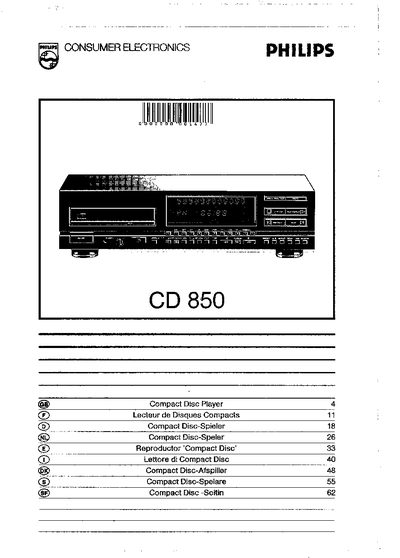
This manual explains how to install the Philips CD 850, including checking the rear type plate for the correct supply voltage, selecting the appropriate mains fuse (300 mA for 110/127 V, 160 mA for 220/240 V) and fitting a UK mains plug. It also describes all front‑panel controls, remote‑control functions and the various audio/video connections (analogue, optical, digital, remote‑control out).
The guide covers playback features such as track selection, shuffle, repeat, fast search and programming of programmes and favourite‑track selections (FTS). It details how to store, recall and erase FTS memories, adjust the display brightness, and provides warranty and service information for the United Kingdom and Ireland.
| Mains fuse rating (110/127 V) | 300 mA (slow blow) |
|---|---|
| Mains fuse rating (220/240 V) | 160 mA (slow blow) |
Check the type plate on the rear of the player for the correct supply voltage and, if needed, use the voltage selector (6) to set the appropriate voltage.
Compile the programme, press the FTS 1 or FTS 2 button, then press STORE; the selection will be saved and indicated by a ranking number.
Hold the DIM key down; the brightness will decrease stepwise until the desired level is reached, or press DIM again to increase it.
Use a 3 A fuse for a BS 1363 13 A plug; for other plugs use a 5 A or lower fuse.