
This document is the user manual of Canon LBP-1210 laser printer, which mainly introduces the basic functions and usage methods of the printer.
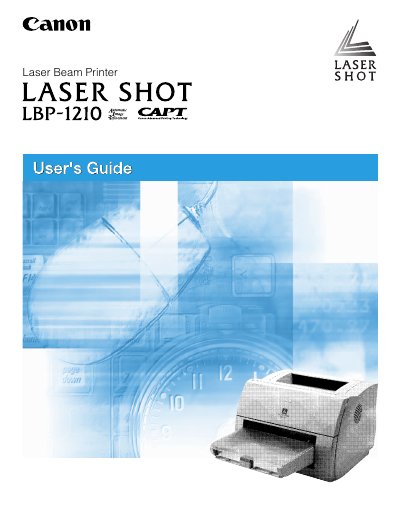
This guide introduces the Canon LBP-1210 laser beam printer, describing its features, parts, and paper handling options. It also covers the Canon Advanced Printing Technology, software installation, and how to check print‑job status.
The manual includes detailed safety instructions, troubleshooting tips, maintenance procedures such as cleaning and cartridge replacement, and specifications. Appendices provide full technical specs and instructions for connecting an optional network adapter, followed by a glossary of terms.
| Laser classification | Class 1 |
|---|---|
| FCC classification (110‑127 V model) | Class B digital device |
| FCC classification (220‑240 V model) | Class A digital device |
| Energy Star compliance | Yes |
Do not expose the printer to a wet environment, chemicals, smoke, or steam, place it on a stable surface, connect it to a grounded outlet, and remove all packing materials before operation.
The printer is classified as a Class 1 laser product.
It complies with the FCC rules as a Class B digital device.