
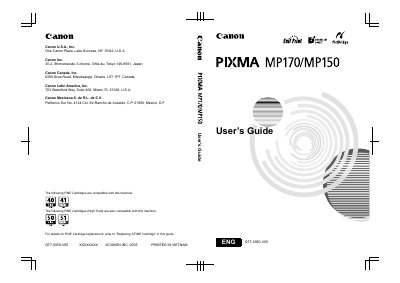
This manual provides step‑by‑step instructions for installing, configuring, and using the Canon MP170 and MP150 inkjet printers. It includes safety precautions, hardware overview, loading paper, copying, printing from memory cards, scanning, and PictBridge direct printing.
Additional sections cover routine maintenance such as cartridge replacement, cleaning, and troubleshooting common error messages, plus detailed technical specifications and warranty information. This manual is written in Chinese.
| Print resolution | 4800 dpi × 1200 dpi |
|---|---|
| Black print speed (custom) | 22 ppm |
| Black print speed (standard) | 13.4 ppm |
| Color print speed (custom) | 17 ppm |
| Color print speed (standard) | 7.8 ppm |
| Print width | 203.2 mm (8.0 in) |
| Interface | USB 2.0 Hi‑Speed |
| Power supply | AC 100‑240 V, 50/60 Hz |
| Power consumption (printing) | ≈13 W |
| Dimensions (W × D × H) | 443 mm × 381 mm × 181 mm |
| Weight (MP170) | ≈5.6 kg |
| Weight (MP150) | ≈5.4 kg |
| Standard ink cartridges | PG‑40 (black), CL‑41 (color) |
Refer to the “Replacing A FINE Cartridge” section in the guide for step‑by‑step cartridge replacement instructions.
The printer operates on AC 100‑240 V, 50/60 Hz, depending on local electrical requirements.
The printer can print at a maximum resolution of 4800 dpi × 1200 dpi.
The printer measures 443 mm (W) × 381 mm (D) × 181 mm (H) with the paper support retracted.