
This is a user guide for a CANON INC. digital camera, including instructions for camera usage, software installation guide, and printer user guide.
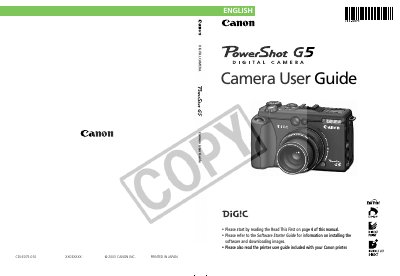
This guide provides step‑by‑step instructions for getting the PowerShot G5 ready for use, including battery installation, CF card setup, and basic menu navigation. It also covers essential shooting functions such as Auto, Macro, Landscape, Night Scene, and Movie modes, as well as how to adjust exposure, white balance, and digital zoom.
Additional sections describe how to review and edit images, transfer photos to a computer or TV, print pictures, and use optional accessories like external flash units and conversion lenses. Safety notes, FCC compliance information, and warranty statements are included at the end of the manual.
| Digital Zoom | 7x |
|---|---|
| ISO Speed | AUTO (cannot be selected manually) |
| Macro Mode | Available |
| Video Format | Set to regional standard before TV use |
Refer to page 26 of the guide; the language can be changed in the Settings menu.
Be aware that the camera may become warm and handle it carefully during extended operation.
Yes, but Canon does not warranty any damage caused by non‑Canon accessories.