
This document is the user guide for Canon cameras, which provides detailed information on basic operations, shooting, playback, menu settings, printing, etc. Users can use this guide to learn about the basic features and how to use the camera.
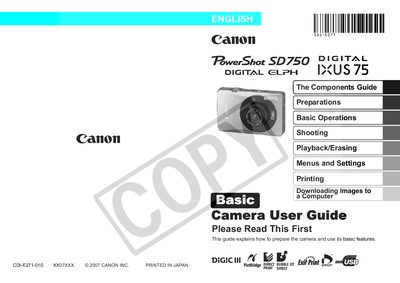
This guide covers everything you need to start using the PowerShot SD750, from charging the battery and inserting the memory card to configuring shooting modes and using the touch control dial. It also includes instructions for printing, downloading images, and handling the camera safely.
The manual provides detailed reference sections such as the Components Guide, Preparations, Shooting, Playback/Erasing, Menus and Settings, Printing, and Safety Precautions, helping both new and experienced users get the most out of the camera.