
This document provides instructions for installing and using Tenma Speaker Measurement Interface.
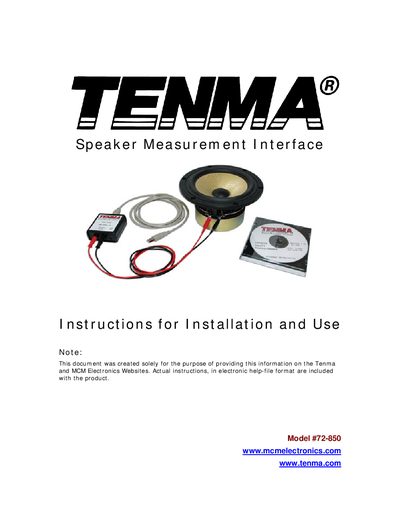
The Tenma Speaker Measurement Interface is a USB‑powered device used to measure Thiele‑Small parameters of loudspeaker drivers. It supplies a test lead and a line‑out for driving an amplifier, and the accompanying software converts the measured impedance and phase data into useful driver specifications.
The manual covers software installation on supported Windows versions, hardware connection procedures, recommended test‑bench setups, calibration options, menu functions, and advanced topics such as test‑lead inductance measurement and definition of acoustic parameters.
| Model number | 72-850 |
|---|---|
| Power consumption | A few milli‑amps (USB powered, no external supply required) |
| Interface type | USB Audio Codec |
| Supported operating systems | Windows 98SE, Windows ME, Windows 2000, Windows XP |
The device works with Windows 98 Second Edition (with USB service packs), Windows ME, Windows 2000, and Windows XP. Earlier versions such as Windows 95 and pre‑Win98SE are not supported.
Open Control Panel → Sounds and Audio Devices → Audio tab, then in both the Sound Recording and Sound Playback sections select your original sound card from the Default device list.
It draws only a few milli‑amps from the USB port and does not need an external power supply.