
The Tenma 72-1086 ATX Power Supply Tester is designed to provide fast convenient verification of proper operation of ATX style computer power supplies
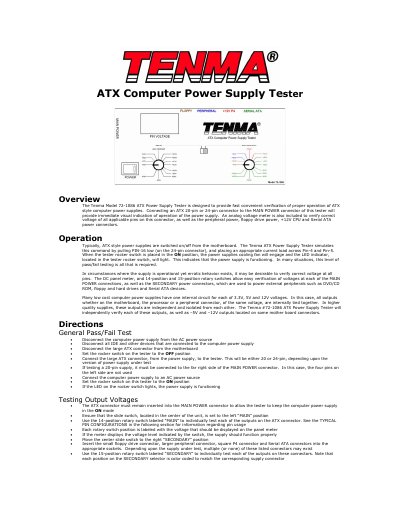
The Tenma 72-1086 ATX Power Supply Tester provides a fast, convenient way to verify the proper operation of ATX‑style computer power supplies. By connecting a 20‑pin or 24‑pin ATX connector to the MAIN POWER socket, the tester indicates power‑on status with an LED and displays voltages on an analog meter.
The manual details a general pass/fail test procedure, step‑by‑step voltage verification using 14‑position (MAIN) and 15‑position (SECONDARY) rotary switches, and pin‑out tables for both MAIN and SECONDARY connectors. Safety cautions and wiring diagrams are also included.
| Supported ATX connector types | 20‑pin and 24‑pin |
|---|---|
| Voltage meter type | Analog |
| Voltages verified | ±3.3 V, ±5 V, ±12 V, –5 V, –12 V |
Ensure all devices are disconnected, keep the tester switch in the OFF position while connecting the power supply, keep the MAIN POWER connector attached when testing SECONDARY outputs, and do not leave the device unattended as it can become warm.