
This is a guide to installing and configuring SATA hard disks and RAID.
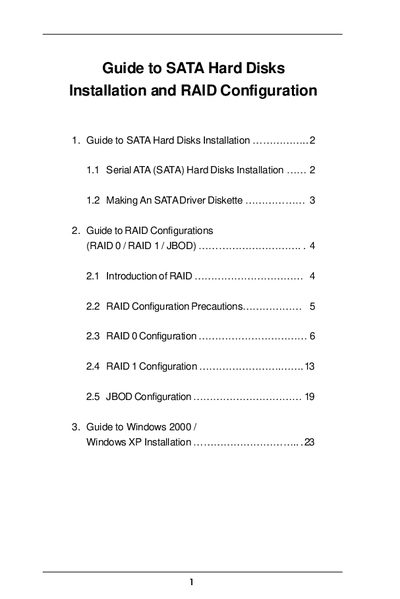
The guide walks you through installing SATA hard disks on the motherboard, connecting data and power cables to the primary and secondary SATA ports, and creating a bootable SATA driver diskette using the ASRock Support CD. Detailed step‑by‑step instructions cover each connection and the required BIOS/POST actions.
It also describes the RAID features built into the SiS south‑bridge chipset, including RAID 0, RAID 1, and JBOD. Precautions for each RAID mode, how to use the SiS RAID BIOS Setting Utility, and the steps to finish Windows 2000/XP installation on a RAID array are provided.
| South Bridge Chipset | SiS 965L |
|---|---|
| RAID Controller Chipset | SiS 964 |
| SATA Channels | 2 |
Insert the ASRock Support CD, press F11 during POST, select the CD‑ROM as the boot device, then follow the prompts to format and copy the SATA drivers to a floppy disk.
The motherboard supports RAID 0 (striping), RAID 1 (mirroring), and JBOD (just a bunch of drives).