
NVIDIA BIOS and Windows RAID Installation Guide

This document introduces the NVIDIA RAID installation guide, including BIOS RAID installation guide and Windows RAID installation guide
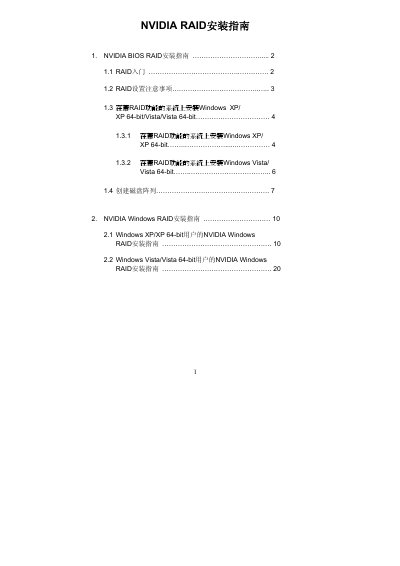

NVIDIA BIOS and Windows RAID Installation Guide - cover page
Brand
Nvidia
Document type
User Manual
Language
Chinese
Pages
25
File format
PDF
File size
2.1 MB
Published
05 June, 2012
Updated
01 October, 2023
MD5 checksum
A77947A1D0147B68CBC743BB9C685F05

About this manual

This document serves as an installation guide for NVIDIA RAID functionality, covering both the BIOS environment and the Windows operating system. It explains how to use the NVRAID RAID Utility program in the BIOS settings to configure RAID modes such as Striping (RAID 0), Mirroring (RAID 1), Stripe Mirroring (RAID 0+1), Spanning (JBOD), and RAID 5. This manual is written in Chinese.

What's inside

  • NVIDIA RAID Introduction
  • RAID Configuration Precautions
  • Installing Windows on Systems with RAID Functionality
  • Creating Disk Arrays in BIOS
  • NVIDIA Windows RAID Installation Guide
  • Configuring RAID Modes (Striping, Mirroring)
  • Initializing and Formatting NVRAID Array Disks

Frequently asked questions

What is the recommended step before creating a new RAID array?

You should back up your data first, as the system will ask if you want to "Clear Disk Data".

How do you enter the BIOS setup program to configure RAID?

Press the key after creating a SATA/SATAII driver floppy disk.

Which key is used to save changes to the RAID array configuration?

Press the key after specifying the RAID array disks.

Download PDF (2.1 MB)

More Nvidia Manuals


View all Nvidia manuals →