
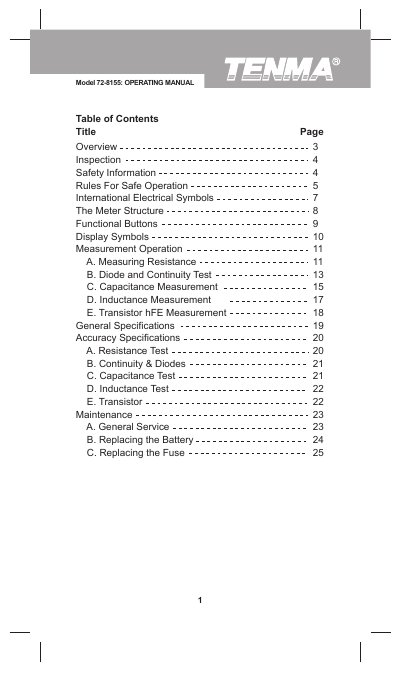
This Operating Manual covers the Tenma Model 72-8155 digital inductance‑capacitance meter, a 3½‑digit hand‑held instrument that measures capacitance, inductance, resistance, transistor hFE, diodes and continuity. The manual explains the meter’s structure, functional buttons, display symbols and how to perform each type of measurement.
Safety rules, battery and fuse replacement, and general service instructions are detailed to ensure reliable operation and to prevent electric shock or damage to the device. The manual also lists the meter’s compliance with EMC EN61326 and provides basic maintenance guidance.
| Battery type | 9 V Alkaline (NEDA1604, 6F22 or 006P) |
|---|---|
| Fuse rating | 0.315 A, 250 V, fast type, 5 × 20 mm |
| Measurement functions | Capacitance, Inductance, Resistance, Transistor hFE, Diode, Continuity |
Turn the meter off, remove all connections, unscrew the battery compartment, take out the old 9 V alkaline battery and install a new one (NEDA1604, 6F22 or 006P), then reassemble the case.
Use a 0.315 A, 250 V fast‑type fuse measuring 5 × 20 mm, matching the original specifications.
Disconnect circuit power, discharge high‑voltage capacitors, and ensure the meter is turned off before connecting test leads.
A low‑battery icon appears when the battery is weak, and a data‑hold symbol indicates that the current reading is being held.