
This is a user manual for Philips Savvy phone
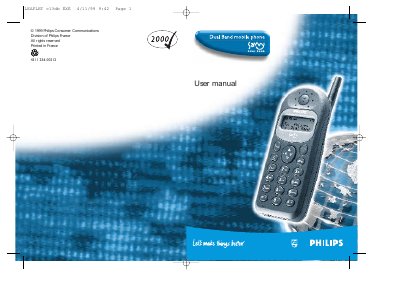
This manual explains how to insert the micro‑SIM card, install and charge the rechargeable battery, and navigate the phone’s menus and features. It also covers basic operations such as making calls, sending SMS, using the alarm clock, and adjusting volume and ringer settings.
Safety precautions, radio‑frequency compliance, and troubleshooting tips are included, along with a glossary of terms and an index for quick reference. This manual is written in Chinese.
| Battery type | Rechargeable battery |
|---|---|
| Network | GSM (Global System for Mobile communications) |
| Radio frequency | GSM 900/1800 MHz |
Place the micro‑SIM card into the slot in the battery compartment with the clipped corner at the top left.
With the battery inserted, plug the connector into the socket at the base of the phone and then connect the transformer to an AC outlet.
Bars moving mean the battery is charging, bars steady mean it is fully charged, and a flashing outline means it is not charging.